Acknowledging a Policy (Employee Guide)
This guide is for employees who receive an email asking them to acknowledge a policy or confirm that they have completed a training requirement. You do not need a login or password — just click the link in your email.
1. Open the Link
Section titled “1. Open the Link”Find the email from your organization about the policy or training requirement. Click the link in the email. Your web browser will open to the acknowledgement page.
2. Review the Document
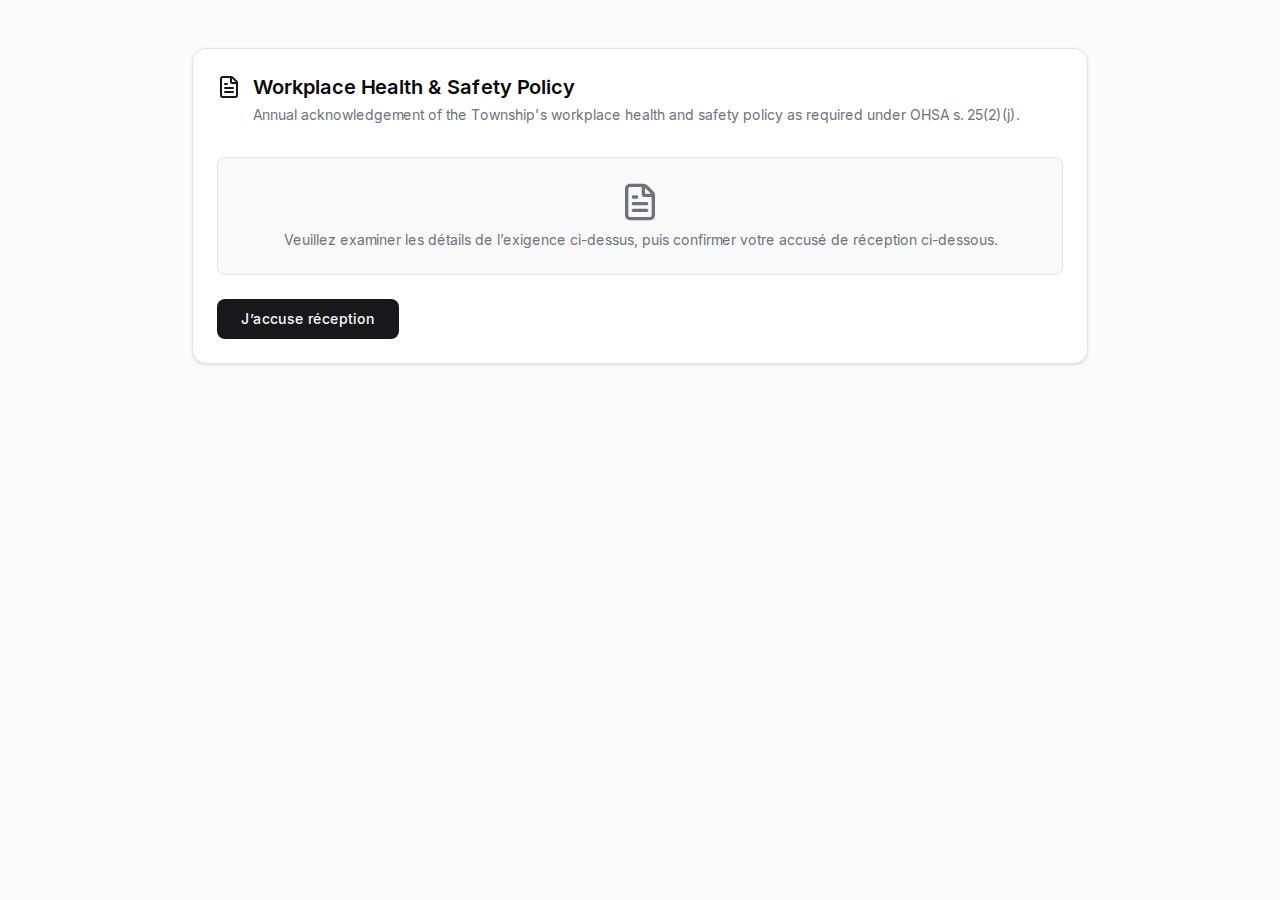
Section titled “2. Review the Document”The page shows the document title and a description of what you are being asked to acknowledge.
For policy acknowledgements, you will also see the full PDF document in a viewer built into the page. Take your time to read through it carefully.
For training confirmations, the page describes the training requirement. There may not be a PDF to view — this is normal, since the training itself happens outside of this system.
3. Acknowledge
Section titled “3. Acknowledge”When you are ready, click the I acknowledge button at the bottom of the page.
A confirmation prompt will appear asking if you are sure. You have two choices:
- Click I confirm to record your acknowledgement.
- Click Cancel to go back and continue reviewing.
4. Confirmation
Section titled “4. Confirmation”After confirming, you will see a green checkmark and the message Acknowledgement recorded, along with the date and time. You are all done and can close the browser window.
What If…
Section titled “What If…”You already acknowledged
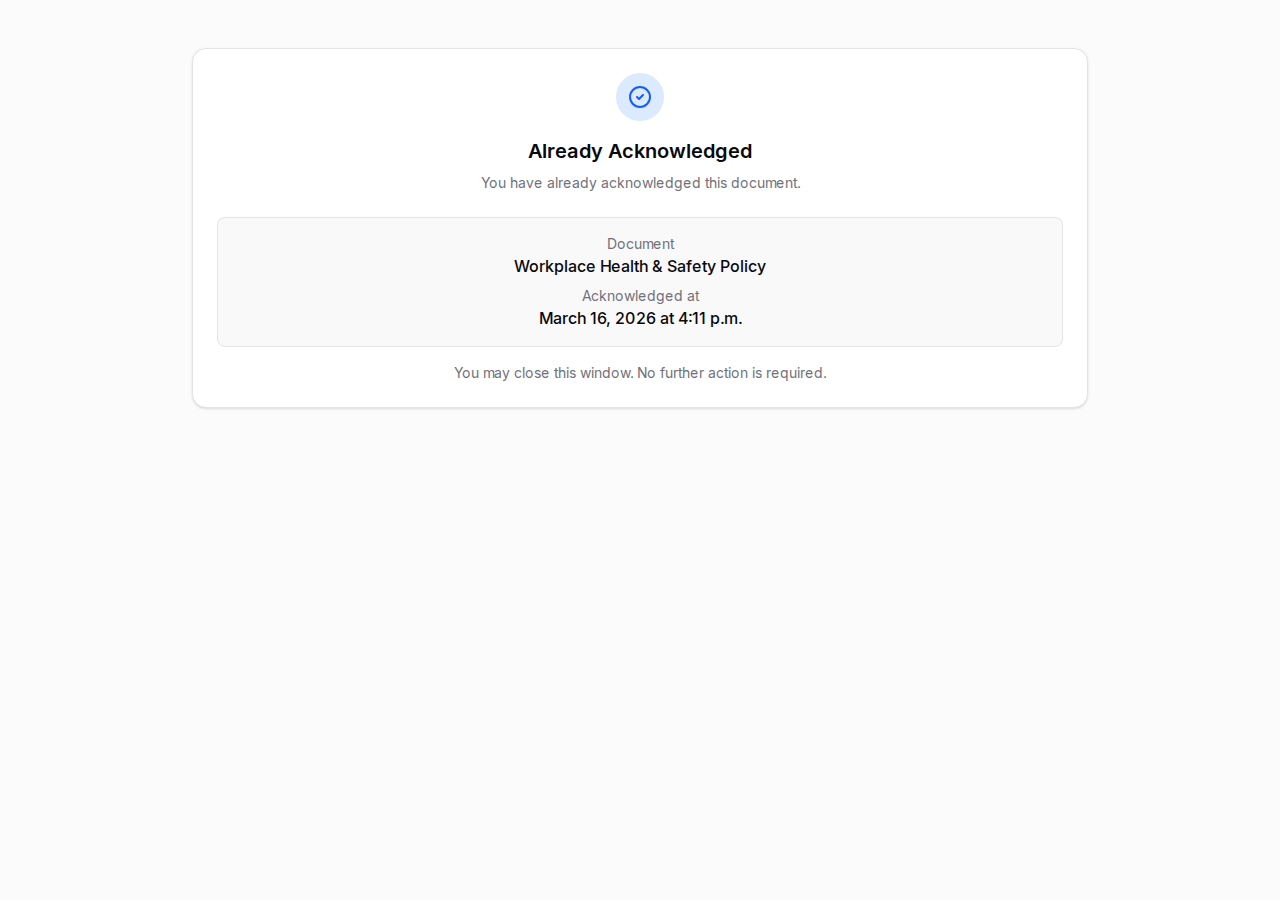
Section titled “You already acknowledged”If you click the link again after you have already acknowledged, the page will show Already Acknowledged along with the date you completed it. There is nothing more you need to do.
The link has expired
Section titled “The link has expired”If too much time has passed since the email was sent, the page will say Link expired. Contact your administrator (the person who sent the original email) and ask them to resend it.
The assignment was closed
Section titled “The assignment was closed”If your administrator closed the assignment before you had a chance to acknowledge, you will see Campaign closed. Reach out to your administrator to find out what to do next.
Language
Section titled “Language”The acknowledgement page is available in English and French. The language is set by your administrator when they create the assignment, so it will match what is appropriate for your workplace.